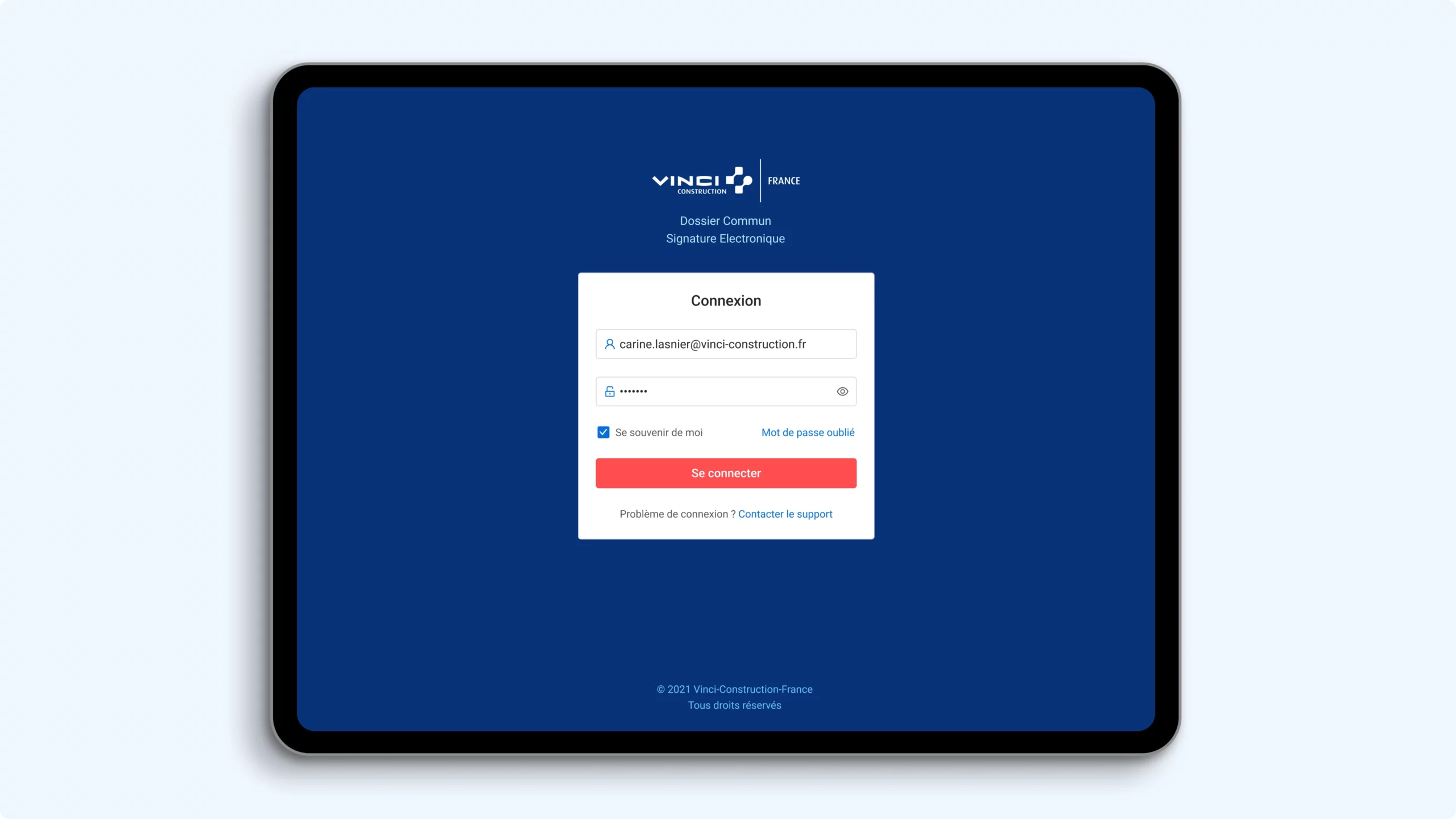
VCF DSCE
Streamlined Vinci’s signature workflow into a clear, trusted interface, delivered in 2 weeks and adopted as internal design reference.
PURPOSE
Centralize legal documents by site, ensure visibility on signatures, and streamline compliance across all construction projects
CLIENT
Vinci Construction France (Direction Digitale)
RÔLE
Product Designer (UX, UI, prototyping, handoff)
DURATION
2 weeks
OUTCOME
Delivered 3 fully specced UI, interactive prototype, UI Kit for integration
A fast-track UI overhaul to align field operations, directors, and compliance stakeholders across construction sites.
Vinci Construction’s Digital team brought me in for a 2-week design sprint to solve a complex internal workflow: managing multi-profile electronic signatures across construction documents.
The existing process was fragmented, manual, and opaque. I partnered closely with the product lead to reimagine the experience from the ground up, designing a focused dashboard, simplified flows, and a clear UI system tailored for Site Assistants, Directors, and Vendors. The final prototype was used to align stakeholders and initiate implementation.

Context
On paper, the mission was simple: help Site Assistants manage and collect digital signatures across shared construction documents. In reality, the signature process was fragmented, opaque, and error-prone. Documents were passed around by email, tracked manually, renamed 4 times (“DS_2307-final-V3-signed.pdf”), and often re-signed multiple times due to missing fields or wrong recipients. The DSCE (Dossier Commun Signature Électronique) was intended to unify this workflow.
But there was a catch:
- The MVP had to be delivered under a tight forfaitaire timeline (2 weeks).
- There were 4 user profiles, each with different visibility and responsibilities.
- The project was politically visible within the DSI, but had no time for onboarding.
Design needed to be clean, confident, invisible.
Design goals
With the project scope clarified by the project manager, we aligned on 4 core goals:
- Build trust at first glance
Calm, readable dashboards. Zero jargon. Immediate visibility on signature status. - Guide user actions
Clear next steps: relancer, envoyer pour signature, modifier le dossier. - Unify scattered flows
One home for documents, chantiers, signataires, and shared status. - Deliver fast & ready
UI Kit + assets structured for integration, without second guessing for dev teams.
Process
Week 1 – Exploration, zoning, black & white flows
-
Started with “frustrations & besoins” from Assistantes de Travaux.
-
Translated the scope into 3 key screens:
-
Global dashboard (multi-chantier overview)
-
Fiche Chantier (signataires + dossiers)
-
Modal flow for sending documents for signature
-
-
Built wireframes with action triggers, filters, grouped documents
→ Shared early zoning (DCSE_zoning_V2) with PO via Teams.
Week 2 – Feedback, iterations & final delivery
-
3 internal demos via Teams handled with the project manager for evaluation
-
Feedback from internal users led to 3 major iterations:
-
Simplification of relance columns
-
Better grouping for signataires (Dir. Signataire, STT, P&F)
-
Clearer label hierarchy for files vs dossiers communs
-
-
Final delivery: Figma prototype + UI Kit file + exportable specs
Interface highlights

Home View
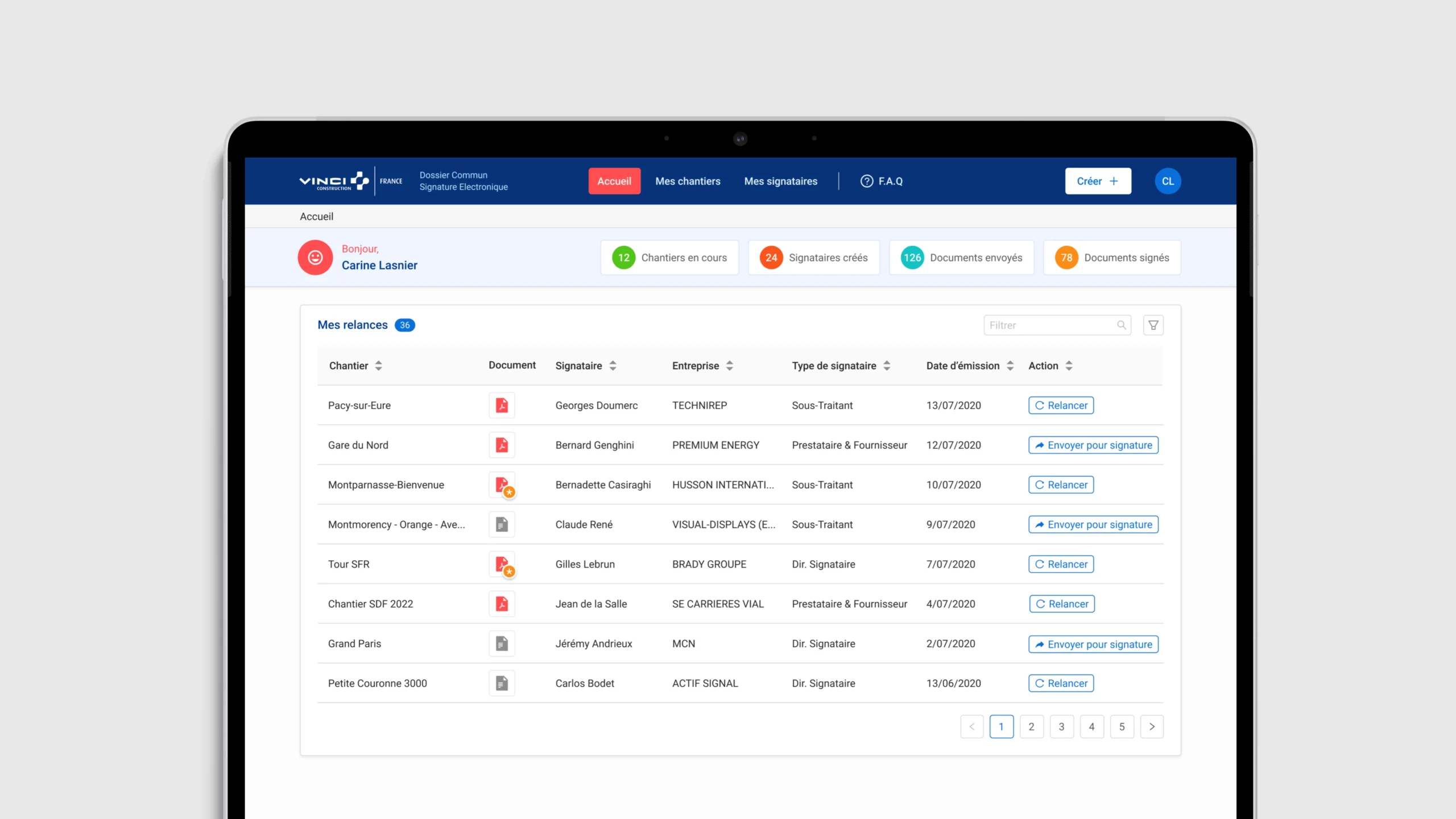
A calm dashboard listing key stats: % signed, total documents, pending relances. Each chantier is clickable. Actions are immediately visible. Badge system for status: “À signer” – “Signé” – “Relancé” – “En attente STT”
Chantier View
Nested structure: chantier > dossiers > documents. Tabs separate signataires by role. Bulk relance actions. Expandable blocks for large dossiers. Tooltip helper on signatory status.
Parafeur View
Pre-filled, role-specific. Can exclude STT or auto-select P&F. CTA styled for clarity: disabled states, secondary options shown inline. Includes checkboxes for accusé de réception, rappel automatique, échéance.